
A latest-version label is the start of a question
A search for BDG Win APK latest version can produce several pages that all claim to have the newest file. They may display different dates, version labels or download sizes. Start by separating those statements. A page's publication date describes the page, a version label describes a claimed release, and a file is the actual package being offered. Agreement between those details is worth checking; disagreement is a reason to pause rather than choose the most confident headline.
This article does not identify or endorse a current BDG Win APK. It explains how to assess release claims without inventing a version number, assuming a file is authentic or treating a download button as proof. The information is useful even if you decide not to install anything. You can record what a page claims, ask what evidence supports it and leave a question unresolved when reliable release information is missing. A careful conclusion can be 'not verified' rather than a guessed recommendation.
Define the claim before comparing results
Write down exactly what you want to establish. 'Is this the latest version?' contains several possible questions: latest according to whom, for which application identity, for which distribution route and as of what date? A general search result cannot answer all of those automatically. If you do not know which operator or developer stands behind the package, version comparison is premature. You first need a credible identity to which a release history could belong.
Use a short evidence note rather than a vague impression. Record the page address, the version it advertises, any stated release date and the source it gives for those details. Keep claims separate from observations. 'The page says version X' is an observation about text. 'Version X is the newest authentic release' is a much larger conclusion. This wording may seem careful, but it prevents an ordinary copied label from becoming an unsupported recommendation when the information is passed to another reader.
Understand the two common version concepts
Android's developer documentation distinguishes a version code used for release ordering from a version name intended for display. The visible name can therefore be a label rather than a simple ranking that every publisher follows in the same way. A larger-looking label on one webpage does not, by itself, establish that the offered file belongs to the same application or that it follows the release you already have. Context and identity come before comparison.
For a reader, the practical lesson is modest: do not build a whole trust decision around a number printed beside a button. You do not need to become an Android developer to notice missing evidence. Ask whether the publisher explains the release, whether its details remain consistent across its own material and whether the claimed application identity is clear. When those questions have no answer, a technical-sounding version label should not fill the gap. It remains a claim that needs support.
Keep the package identity separate from the display name
Two applications can use similar words and artwork in their presentation. That resemblance does not establish that they are the same software. When comparing release information, look for a clearly stated application identity and accountable publisher. Do not rely solely on a gold logo, the phrase BDG Win app or a filename containing the main search keyword. Those features may help someone find a page, but they are weak evidence of software provenance.
Imagine two pages advertising different releases with the same logo. Before asking which number is newer, ask whether both pages are talking about the same package and whether either page explains its relationship to the publisher. If that relationship is unclear, the comparison has no firm starting point. It is reasonable to stop there. Searching for a third number will not repair an identity problem, and installing both files is not a sensible way for an ordinary reader to resolve it.
A filename does not verify its contents
A downloaded file can have an impressive name: brand, year, version and words such as official or secure. The name is still only a label attached to the file. It does not prove what software the package contains, who prepared it or whether it matches a release announcement. Treat filenames as an organisational detail. They may help you remember where a file came from, but they should not become the main evidence supporting installation.
When keeping notes, preserve the original filename alongside the address where it was offered. Do not rename an unknown file to make it look more authoritative or share it as a recommended update. If someone sends a file through chat and says that the name proves it is current, ask for a verifiable release source instead. You do not need to open the package to recognise that the explanation is incomplete. Clear provenance should exist before a decision about running software on a personal phone.
Separate the date of the article from the release date
A webpage can be updated today while describing an older package. Conversely, a release may be current even when a supporting article has not changed recently. These are different timelines. Look at what each date actually labels. 'Updated' beside a heading might refer to editorial changes, not software changes. Unless the page explains the connection, do not treat the date as evidence that the download itself was rebuilt or reviewed on that day.
A useful note records each date with its meaning. For example, keep publication date, claimed release date and your own date of observation in separate fields. This makes later comparison much clearer. If a page silently changes a number, your earlier note shows what you saw without requiring you to remember it. Dates help organise evidence, but they do not establish authenticity. A recently edited page can still contain unsupported claims, and a prominent year can be decorative search wording rather than release information.
Ask what changed in the claimed update
A meaningful release explanation should describe a change in understandable terms. Generic phrases such as improved performance or fixed bugs may be true, but they give a reader little basis for deciding whether the package addresses a particular problem. Look for a connection between the claimed release and the issue you are trying to solve. If the only change described is a higher version label, you still lack a practical reason to accept that file.
Do not invent the missing explanation yourself. A new number does not automatically mean a login problem has been fixed, a payment question has been resolved or a device is now supported. Those would be separate claims requiring evidence. You can ask a publisher for release notes without sharing a password or account balance. If no useful explanation is available, record that absence. Installing something merely because a page calls it new replaces a specific question with a much broader and less controlled experiment.
Use screenshots as context rather than release certification
An image can show a version label or an app layout at the moment it was captured. It cannot establish that a download offered elsewhere contains the same software. A familiar login layout may appear across several pages, and an image can remain online long after a file changes. Read the image for the limited information it actually presents. Do not let a real screenshot carry claims about provenance, recency or security that it cannot independently support.
If an article includes a picture from a previous release, that can still help explain a menu, provided the context is clear. The problem arises when the image is used as proof of a current download. Ask where the displayed version came from and whether there is a documented link to the package being offered. A reader should not have to assume that connection. Useful visual guidance explains what to look for; reliable release evidence explains why a particular file belongs to a particular publisher.
Signing establishes a technical relationship with limits
Android uses app signing as part of its application and update model. A signing relationship is a technical matter, not a promise that a business is trustworthy or an activity is appropriate. This distinction matters because phrases such as signed APK can sound like a broad approval. A technical property should be interpreted within its actual purpose. It should not be stretched into a claim about financial reliability, lawful availability or the accuracy of promotional material.
Ordinary readers should not be pushed into unfamiliar technical procedures to compensate for a publisher's missing information. Ask for a clear, accountable distribution source and an explanation of the release. If you cannot establish those basics, a string of technical terms should not persuade you to proceed. The presence of technical detail can make a page look serious while leaving the central question unanswered: who is responsible for the package, and what reliable evidence connects this particular file to that responsible party?
Do not treat a checksum as a recommendation
A file hash can be used to compare whether two files match a published value, but the value needs a trustworthy reference. A random page can publish a hash beside an unknown package. Matching that value would connect the file to that page's statement, not establish that the software is safe or authentic. The source of the reference matters as much as the act of comparison. Do not confuse a precise-looking string with an independent judgment.
If you are unfamiliar with hash tools, there is no need to install extra utilities solely because a download page demands a check. First decide whether the publisher and release claim are credible enough to examine further. Technical verification should answer a defined question. It should not become a ritual that creates confidence without a reliable starting point. When explaining your conclusion to someone else, say what was compared and where the reference came from, rather than using the broad phrase 'fully verified.'
Compatibility is a separate question from recency
Even an authentic newer release may have device requirements that differ from an older one. The word latest does not mean suitable for every phone. Look for clear compatibility information from an accountable source, and keep that question separate from whether the version exists. A webpage claiming universal support without explaining requirements is asking the reader to assume too much. Device suitability cannot be established merely by repeating the name of an Android brand or a recent year.
If your concern is a problem on one phone, note the device model and operating system version privately before asking a focused question. You do not need to share serial numbers, private identifiers or account access to describe basic compatibility. Avoid treating a failed installation as an invitation to try many unfamiliar files. A clear explanation of requirements is more useful than a growing folder of packages whose origins are uncertain. Sometimes the responsible result is to leave the software uninstalled until the basic question is answered.
An installation warning deserves its own attention
A warning during a download or installation should not be dismissed just because a webpage says warnings are normal. Read the warning itself and identify which system produced it. Do not follow generic advice to disable protections in order to make an unknown package work. The original goal was to understand a release claim, not to weaken the device so that any file can be accepted. Pressure to ignore warnings changes the nature of the decision.
Keep a private record of the exact wording if you need help understanding it, with unrelated personal details removed. Ask about that message through device documentation or an appropriate support route. A helper should be able to discuss a warning without receiving your password or taking remote control of the phone. If the only explanation offered is that everyone installs the file, the evidence remains weak. Popularity claims and a working download link do not explain why a protective warning appeared.
Resist the idea that an older file is automatically safer
When a new package causes concern, a page may suggest an old version as the easy answer. That proposal still needs evidence. Age alone does not establish safety, compatibility or authenticity. An archived file may be genuine, altered, unsupported or simply mislabelled. Without a credible release history and distribution source, moving backwards through version numbers does not solve the problem that made the current claim uncertain. It only changes which uncertain file is being considered.
Describe the original issue before looking for a different package. If the issue is unclear documentation, another download is unlikely to supply the missing explanation. If it is a device problem, seek information specific to that problem. Do not assume that a lower number restores a feature or repairs an account. Those claims concern behaviour, not the appearance of a label. You can decide against both the newer and older file when neither has enough reliable information to justify installation.
A website shortcut is not the same claim as an APK
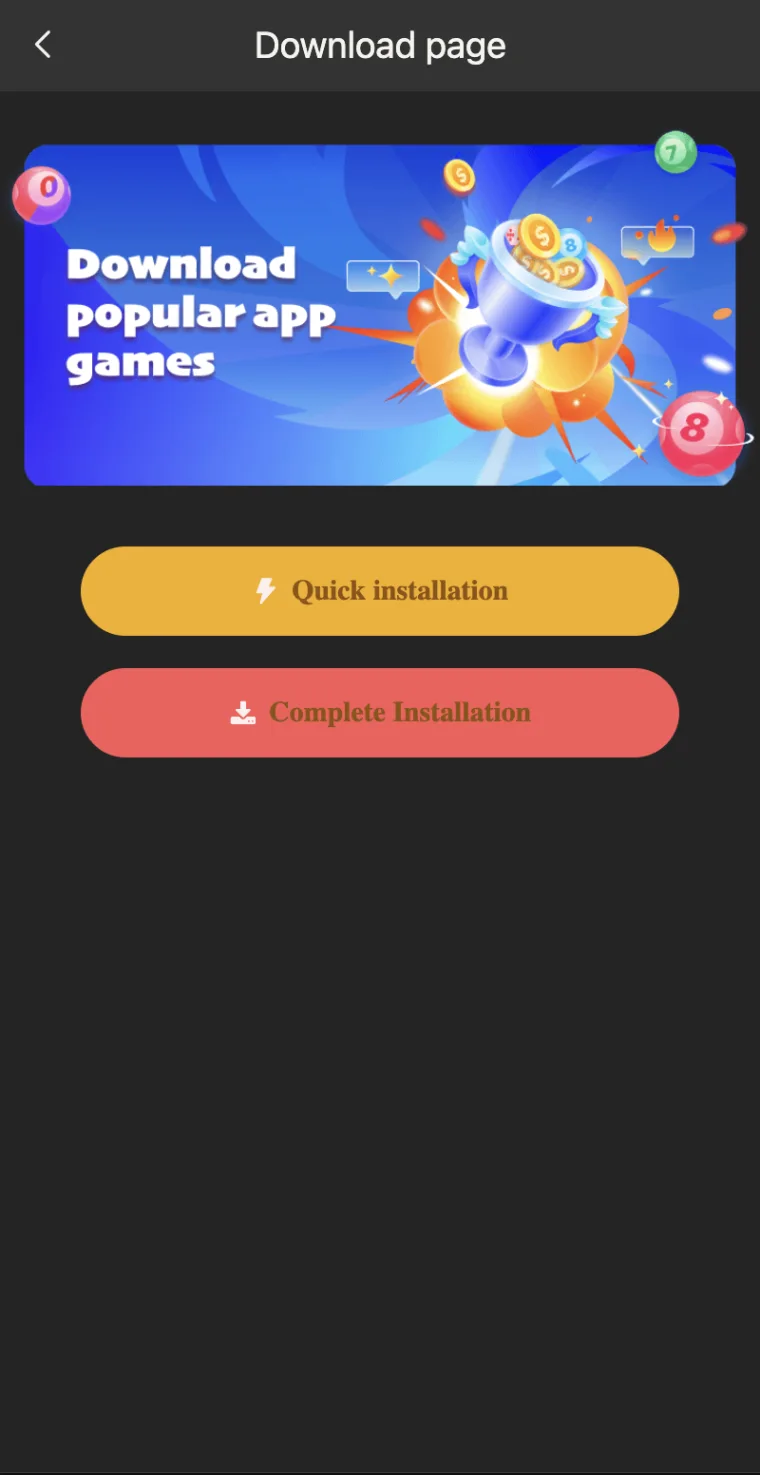
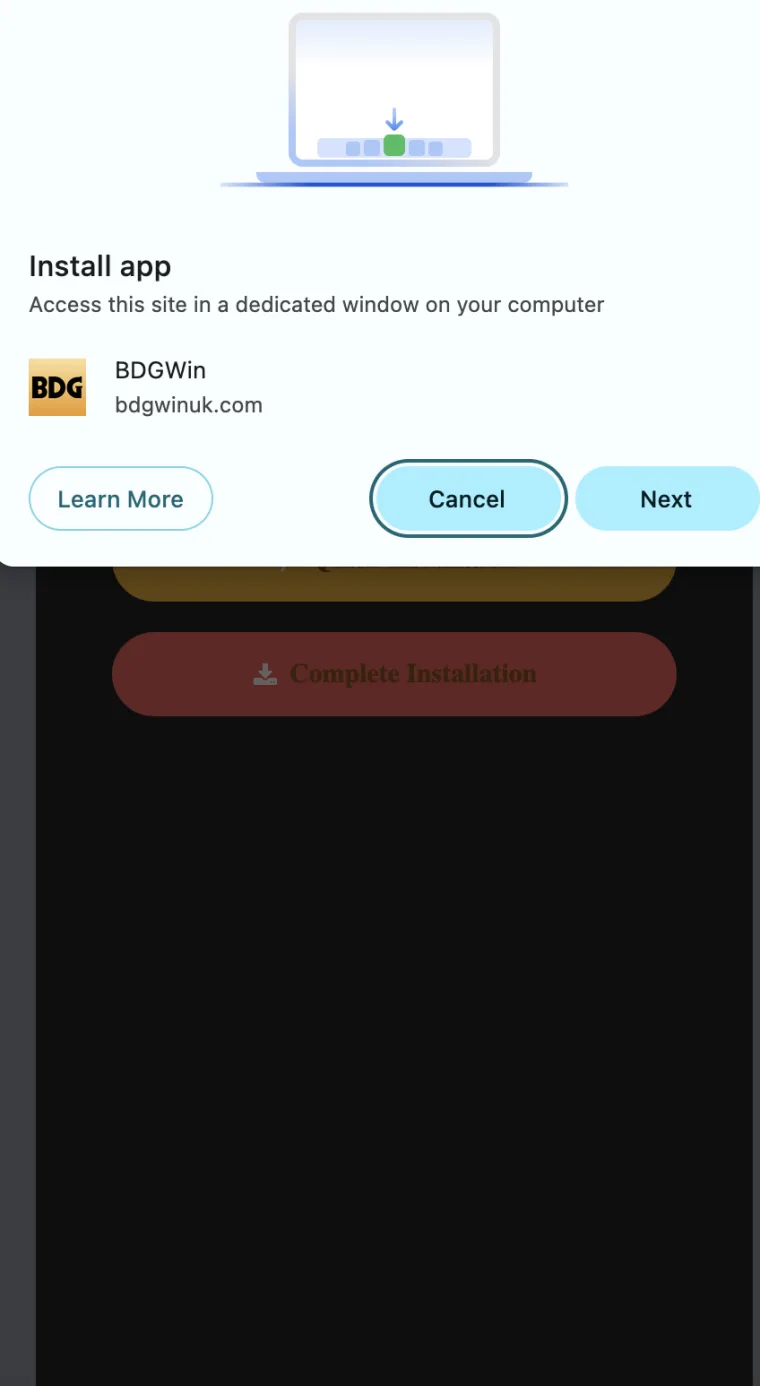
Some pages use app wording while offering a browser shortcut or another route to web content. The experience can look app-like without proving that the download is an Android package. Clarify what is actually being offered before comparing versions. A shortcut, website and installed application have different update contexts. Calling all of them the BDG Win app can make an article easier to find while making the technical question harder to answer accurately.
Ask the simple question first: what will this button do? A reader should be able to understand whether it opens a website, saves a file or creates a shortcut without being pushed through unrelated steps. If the answer is vague, stop and inspect the page's explanation. Do not use the presence of an icon on the home area as proof that a particular APK release was installed. The visible result and the underlying software claim need to be considered separately.
Compare search results without accepting their authority
Several matching search snippets can create the impression that a version has been independently confirmed. The pages may simply repeat the same unsupported detail. Look for the source behind the statement rather than counting how often it appears. A high position, a polished title or a recent-looking snippet does not authenticate a package. Search helps locate material; it does not replace the work of identifying who is responsible for a release claim.
When comparing pages, look for differences that matter: named publisher, clear release explanation, consistent application identity and a source for version information. Do not give extra weight to a page merely because it repeats BDG Win APK download in every heading. That wording may describe the subject without providing evidence. If all results lead back to the same unexplained claim, write that down. Ten copies of a statement do not become ten independent reasons to install a file.
Keep release research separate from account recovery
A login problem can make a supposed update feel urgent. Someone may claim that the newest APK is required to recover access, view a balance or resolve a pending question. Treat that as a specific claim that needs support. Do not assume that a software download is the correct response to an account issue. The two may be related in some situations, but a relationship must be explained rather than inferred from the fact that both involve the same brand.
Write the account problem and the release claim on separate lines. What evidence supports each one? Which accountable source can explain the connection? A person offering a file through private chat is not automatically qualified to resolve access. Avoid handing over credentials or installing remote-control software as part of the conversation. Even if a release is real, that would not establish that another person needs your password. Keep the investigation narrow enough that a version question does not become an uncontrolled account disclosure.
Store research notes rather than unknown installers
If you are only comparing information, a note is usually more useful than collecting packages. Save the address, the claim and the date you observed it. This preserves the question without leaving several files that could later be confused with a trusted installer. A downloads folder full of similar names makes it harder to remember provenance. Good research should reduce uncertainty, not create a collection of unidentified software that someone else may accidentally open.
If a file is already present, do not share it as a recommendation because you have kept it for a long time or because its name looks familiar. Time in your folder does not add evidence. Decide whether there is any legitimate reason to retain it, and use the normal file-management controls you understand. Keep this housekeeping separate from account records or support evidence. The useful record is the information needed to explain your decision, not necessarily a copy of every package a search result offered.
Write a conclusion that matches the evidence
A responsible conclusion can be short. You may be able to say that a page advertises a certain version but that its publisher relationship remains unclear. You may find a documented release while still lacking enough information about a particular download. These are different outcomes, and both are more useful than a broad claim of safety. State which question was answered and which question remains open. Precision helps another reader avoid assuming more than the evidence supports.
Do not describe your research as personal testing unless you actually conducted a relevant, documented test. Reading a webpage is not testing an application, and seeing a screenshot is not checking a package. If you are preparing an article, preserve those distinctions in its wording. Readers deserve to know whether a statement comes from a publisher, platform documentation or direct observation. Clear limits make the information easier to use because the reader can see exactly what still needs independent confirmation.
Questions to ask before trusting a release claim
Ask who published the claim, what application it refers to, where the version information came from and how the offered file is connected to that information. Then ask whether the proposed update answers your actual need. These questions work together. A convincing answer to only one of them is not enough. For example, a detailed change description is useful, but it does not establish provenance when the download is hosted by an unexplained third party.
You do not need to collect every possible technical fact before deciding against a download. Missing basic information can be sufficient reason to stop. If a source responds to reasonable questions with urgency, insults or demands for private data, that response does not improve the evidence. Keep your decision based on the original facts. A careful reader is allowed to wait, use a different verified information source or leave the question unanswered without searching for a more reassuring headline.
Finish with a record you can understand later
Before closing the research, write one plain-English sentence describing the result. Include the remaining uncertainty where necessary. 'The page claims a new release, but I could not connect its file to an accountable publisher' is useful because it explains both the observation and the gap. A sentence such as 'looks fine' will be hard to evaluate later. Your future self should be able to understand the decision without reopening a long chain of search results.
For readers in India, this article is informational and does not establish lawful availability, account eligibility or the suitability of a money-game service. A technically authentic package would not settle those separate questions. Keep release research within its proper scope. The strongest outcome is not always a download. It can be a clear understanding that a version label, filename, image or confident snippet does not provide enough evidence to justify putting unfamiliar software on a personal device.