
What this APK guide is for
A search for BDG Win APK can lead to a mixture of affiliate pages, download claims, screenshots and copied descriptions. The useful question is not which button is largest. It is whether there is enough reliable evidence to identify the software and the party distributing it. This guide offers a framework for that question. It does not provide a download, authenticate any package or recommend installation. No BDG Win binary has been tested for this article, and no distributor is endorsed here.
An Android package is a piece of software rather than a picture of a product. The distinction matters because the visible name can be familiar while the actual file is unknown. A reader can assess the quality of a source claim without executing the offered file. That is the approach throughout this article: inspect the information surrounding the claim, record what is missing and stop when the evidence does not justify further trust. Curiosity does not require installation.
Define provenance before checking popularity
Provenance means the evidence connecting an item to its claimed origin. For an APK claim, that connection involves the publisher, distribution channel, release record and actual file. A popular page is evidence of attention, not provenance. A high position in search results may help a person discover a page, but it does not verify the relationship between a software publisher and the file offered there. Keep discovery and authentication as separate stages of research.
Imagine a download page that receives thousands of visits because it ranks for a memorable name. It may still have no identifiable relationship with the claimed operator. Another page may have fewer visitors and stronger documentary evidence. Popularity cannot settle the difference. Write down what would connect the file to its source and look for that evidence directly. If all the claims lead back to the same unverified page, the apparent web of confirmation may actually be a single assertion repeated in different places.
Establish who is making the download claim
Start with the page itself. Is it operated by a publisher, an affiliate, a community member or an unnamed file host? Does it disclose how it obtained the file? Does the responsible entity have a verifiable identity? The word official in a headline is part of the claim being examined, not evidence that the claim is true. This applies equally to a prominent badge, a domain containing a brand name and a button styled like an app store.
A useful note separates the claimant from the claimed publisher. For instance, Page A says Company B created File C. That is more precise than writing Company B download. The first wording leaves room to investigate the relationship; the second assumes the conclusion. For BDG Win specifically, the domain supplied for the website project has not been authenticated as a publisher-controlled source. An invitation link is a commercial destination supplied by the owner, not independent evidence about software authorship.
Read the complete address carefully
An address contains more information than the visible button label. A page may say download while linking elsewhere, and a familiar phrase can appear inside a longer unrelated address. Reading the actual destination is a useful information check, but it is not a guarantee of safety. A well formed address can still belong to an unverified party. Similarly, an encrypted connection protects a transport relationship without proving that the organisation at the other end is trustworthy.
For a research log, record the page address and any clearly visible destination separately. Avoid clicking through a chain solely to satisfy curiosity, especially where the page starts automatic downloads or opens unfamiliar prompts. If the destination is unclear, mark it unclear. You do not need to follow every redirect to make a responsible decision. A source that cannot explain where its download comes from is missing information the reader reasonably needs before placing software on a personal device.
Ask for a dated release record
A phrase such as latest APK is incomplete without a date and a publisher-controlled release record. Even a visible version number needs context: who assigned it, when it was released and which platform it concerns. This article does not establish a current BDG Win version. Any number presented elsewhere must be treated as a claim to check rather than something that becomes authoritative through repetition. A footer year does not date a file release.
Consider two hypothetical records. One says version 5 with no date. Another says version 5 was published on a particular day by a named entity and links to a consistent change history. The second contains more useful evidence, although it still needs authentication. A careful researcher records the difference without leaping to installation. Release documentation should make the source chain clearer. If it creates more contradictions, the right result is an unresolved investigation rather than a guess about which label looks newest.
A filename is a label, not an identity certificate
Files can be named almost anything. Including words such as official, secure, final or latest in a filename does not establish authorship or quality. A familiar extension can tell a reader what kind of file is being claimed, but the visible name does not describe all of its contents. This is why a download guide should not use the filename alone as the basis for calling a package authentic. The name is part of the evidence to record, not the conclusion.
Suppose two different pages offer files with the same name. They might contain the same software, different releases or unrelated material. The shared label cannot tell you which. Conversely, different filenames do not automatically mean different publishers. Without stronger provenance, both situations remain uncertain. A useful article explains this uncertainty directly rather than inventing a simple rule such as always choose the shortest filename. Surface appearance is easy to change and therefore a weak foundation for trust.
Package details help only when there is a trusted comparison
Technical details can look convincing to a nontechnical reader. A package identifier, version label or checksum may be displayed in a table with a professional design. These details can support an investigation when compared with an authenticated reference. Without a trustworthy reference, they can merely restate whatever the distributor has chosen to publish. More technical vocabulary does not repair a missing source chain.
A checksum illustrates the distinction. Matching a file against a value published by the same unverified distributor can help identify that distributor's file, but it does not independently prove who created it. The trust question has moved to the reference value. A reader does not need to perform a technical exercise to understand the principle. Ask who controls the comparison and why that party should be trusted. If the answer leads back to the original unknown source, the circularity should be documented.
Do not let screenshots stand in for file examination
A screenshot can show what a page or interface looked like. It cannot establish that a particular download contains the software shown. Images may be old, copied, edited or taken from another product. Even an authentic interface image says little about the distribution chain. A page full of attractive screenshots can therefore leave the central APK question completely unanswered. Treat screenshots as illustrations unless their evidential role is specifically explained.
For a hypothetical example, a download page displays an image of a phone with a colourful dashboard. The image does not reveal which package produced it, whether the package was altered or whether the file offered today is the same one used for the image. A responsible caption avoids these leaps. It might identify the image as a supplied interface reference. Calling it proof of a safe download would add a claim the image cannot support. That difference matters when readers are making software decisions.
Handle security warnings as information
Google describes Play Protect as a system that checks apps for harmful behaviour and can warn about potentially harmful software. The presence of a warning is therefore information to consider, not an obstacle an affiliate article should teach readers to remove. This is general Android guidance. It is not a claim that a specific BDG Win file has been flagged, scanned, approved or rejected. No such file assessment is available in this article.
If an unfamiliar distributor tells you to dismiss a security warning, pause the source evaluation. The distributor is asking for an additional act of trust precisely when the device has raised a concern. Do not accept claims that every warning is harmless or that protections must be disabled as part of normal registration. A legitimate dispute about a detection belongs with the publisher and the protection provider. The reader should not be made responsible for resolving it by weakening the phone's safeguards.
Distinguish a scan result from a broad endorsement
Even where a scan result is genuinely reported, the conclusion should stay within its scope. A result about a particular file at a particular time does not establish operator honesty, legal availability, fair account terms or future release behaviour. A source can misuse a narrow technical observation by placing it beside a much broader claim of trustworthiness. Readers should ask exactly what was examined and which conclusions the examination can reasonably support.
A simple research table can help. Put the examined object in one column, the test or observation in another, and the supported conclusion in a third. Leave business practices and jurisdictional questions on separate rows. If a page merges everything into a green safe badge, ask what information has disappeared in the simplification. The aim is not to demand impossible certainty from every source. It is to avoid treating one limited check as an answer to every question that matters.
Evaluate download page behaviour
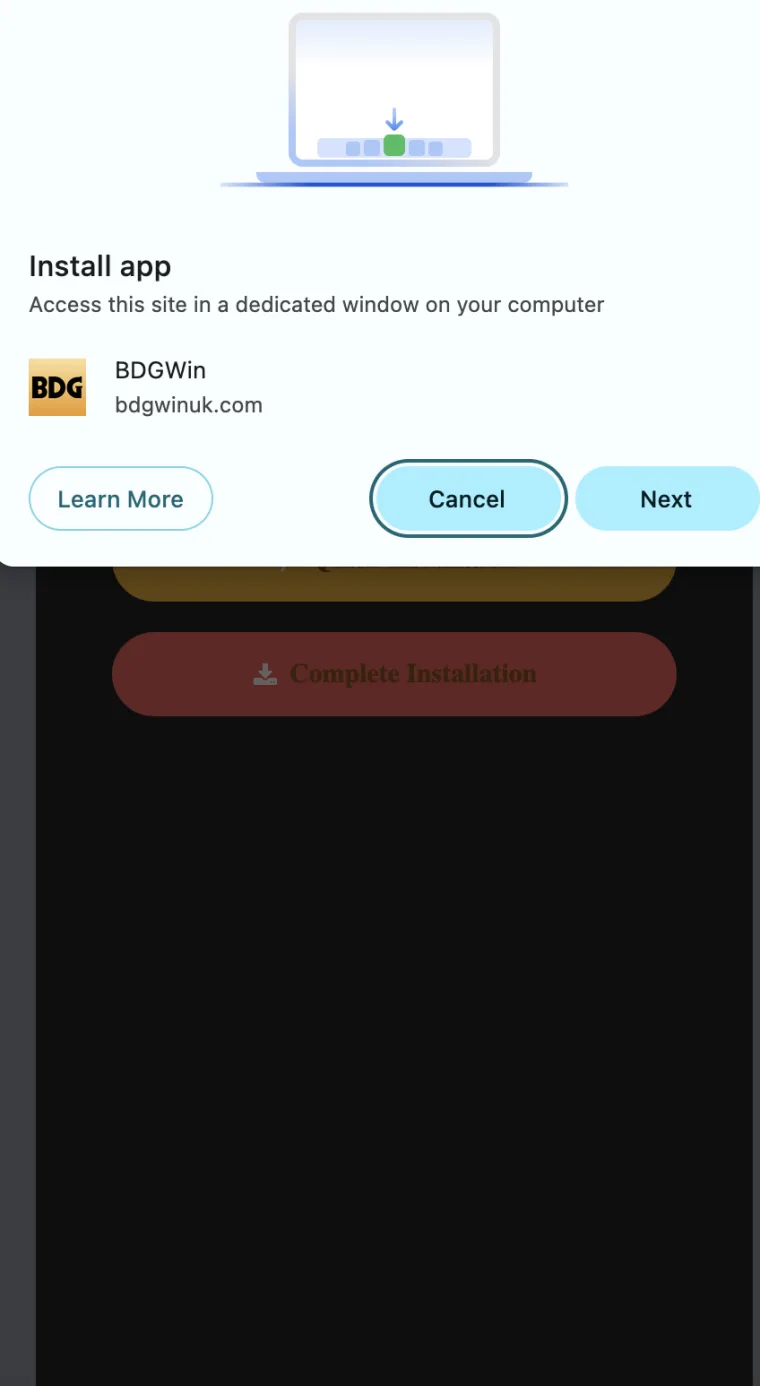
The behaviour of a page can tell you something about its editorial standards. Does a button open the promised information or an unrelated advertisement? Are several competing buttons all labelled download? Does a popup impersonate a device message? These observations do not alone identify the contents of a file, but they affect whether the page is a sensible place to continue an investigation. A source that creates confusion is not helping readers establish provenance.
Record behaviour descriptively. Instead of saying the page is definitely a scam, write that the first button opened an unrelated page or that the source did not identify the publisher. This keeps the assessment fair and useful. It also makes the concern easier to communicate to another person. The absence of a dramatic accusation does not weaken the decision to stop. You can decline to trust a download because its source is unclear without proving malicious intent.
Watch for invented authority
Download pages sometimes borrow the visual language of institutions. A seal, shield icon or phrase such as verified by experts may appear without naming the institution, expert or method. These elements can create a feeling of assurance while adding no checkable information. A good research question is simple: verified by whom, against what standard, on which date and for which exact file? If the page cannot answer, the badge remains decoration.
The same reasoning applies to author biographies. A claim of ten years of experience should be supported by a real, authorised profile and a relevant professional history. Experience in writing does not automatically imply software auditing expertise. A portrait also does not establish that the person inspected a package. Readers benefit from precise roles: editor, researcher, tester and legal reviewer mean different things. An APK article should not blur those roles to make its conclusions appear stronger than the underlying work.
Handle forwarded files differently from public claims
A file shared in a messaging group has an additional provenance problem: the sender may not be its creator or original distributor. A trusted acquaintance can forward something without examining it. Personal trust in the acquaintance therefore does not automatically transfer to the file. This is a question about the limits of the recommendation, not an accusation against the person. Ask whether there is a verifiable source record outside the forwarding chain.
If the only evidence is that everyone in the group has it, the file remains unverified. Social circulation may explain how it reached you, but not who made it. A cautious response can be polite and final: you are not installing software without an authenticated origin. There is no need to debate every enthusiastic anecdote or accept a private demonstration. The decision concerns your own device and information, and you can set a higher evidence threshold than the group happens to use.
Keep documents and credentials out of provenance checks
Investigating who distributes a file should not require giving that distributor your password, one time code, identity document or payment information. A demand for these details changes the situation from a public source check into a disclosure request. Treat it as a separate decision. Do not let a person imply that they can verify the app only after you prove your identity. Publisher identity and file origin should be explained with public evidence.
A hypothetical support chat asks for a screenshot of an account page to confirm the right APK. Before sharing anything, ask why a generic software question requires personal account information. Often the relevant facts can be described without an image at all. If a screenshot is genuinely necessary for a separate support issue, redact unrelated data and verify the recipient first. The broader lesson is to avoid paying for missing public information with private information that cannot easily be taken back.
India context is a separate research task
A trustworthy download source would still not answer whether a service may lawfully be used in India. Software provenance and legal availability are different questions. This article does not provide a current legal opinion or instructions for accessing blocked services. If a page treats an available file as proof of permission to participate in money games, it has made an unsupported leap. Technical accessibility does not settle the legal question.
Readers should use current primary legal material and qualified advice where a decision requires it. Record the date and jurisdiction of any legal claim rather than repeating broad phrases such as legal everywhere. A guide can remain useful by explaining the boundary of its research. Here, the boundary is clear: this page discusses source evaluation and does not authorise registration, payment, installation or participation. No amount of attractive download artwork changes the need to resolve territorial and legal questions independently.
A worked source evaluation
Imagine a page titled BDG Win APK download that has a recent-looking date, a file size and a large button. The footer calls the page independent, but the headline says official. There is no authenticated publisher record and no explanation of where the file originated. A careful assessment notes the contradictory positioning and the missing source chain. It does not need to click the button or run the software to reach the conclusion that authenticity has not been established.
Now imagine the page adds a long list of technical terms. Unless those terms connect to a trusted reference, the original gap remains. The correct update to the research note might be more metadata available, provenance still unverified. This wording resists the tendency to equate detail with credibility. A decision record should become more confident only when new evidence addresses the actual uncertainty. Extra paragraphs, testimonials and animations do not answer a question about who made the file.
Decide what evidence would change the result
Before continuing an investigation, specify what would count as useful new evidence. It might be a publisher-controlled release record connected to a verifiable legal entity, a consistent authenticated listing or an explanation that resolves a documented contradiction. This step prevents endless browsing through pages that merely repeat each other. It also helps distinguish a genuinely improved source from a more persuasive presentation of the same unsupported claim.
Be equally clear about what would not change the result. A larger referral reward, a friendlier support message or another copied screenshot does not repair file provenance. Setting these boundaries in advance makes the decision easier when a promotion becomes emotionally engaging. The aim is not to prove that every unfamiliar file is harmful. It is to require adequate evidence before exposing a device to unknown software. Insufficient evidence is enough reason to stop without a further experiment.
Keep the final conclusion narrow and useful
For this article, no BDG Win APK is authenticated and no current package version is established. The useful conclusion is a method: identify the claimant, trace the publisher relationship, separate labels from evidence and keep device protections in place. Do not treat the supplied affiliate domain, a ranking position or an image as a replacement for provenance. Each may explain how a claim reached you while leaving the file's origin unresolved.
If you are editing an APK guide, make this uncertainty visible near the download discussion rather than hiding it at the bottom. If there is no verified file, avoid presenting a download button as though verification happened. If stronger evidence is obtained later, publish the exact scope and date of the check. Good source evaluation leaves a reader better informed even when the result is to avoid downloading. That is a successful outcome for an educational article, regardless of whether an affiliate link receives a click.
How to communicate an uncertain finding
People often want a binary answer when asking about a download: safe or unsafe, genuine or fake. An honest source review may not justify either label. Explain the specific uncertainty instead. For example, the page did not identify a verifiable publisher and no authenticated reference was available for the offered file. That sentence tells another reader what is missing and avoids implying that a laboratory examination occurred. It is more informative than a confident label built on appearance.
When sharing the finding with a relative or colleague, keep the practical implication equally clear. You are declining to install the file because its origin has not been established. You are not asking them to prove that the file is malicious before respecting the decision. This distinction removes an unfair burden from ordinary users. A person should not need specialist reverse engineering skills to justify withholding trust from unfamiliar software. The party asking for installation bears responsibility for providing a credible source trail.
Publishers can adopt the same standard in corrections. If an earlier article described a package as official without evidence, replace that wording and explain the correction. Do not leave the headline unchanged while adding a distant disclaimer. The strongest visual signal on the page should match the evidence available. An educational guide becomes more useful when its interface, captions and conclusion all communicate the same level of uncertainty. That consistency is an editorial decision within the publisher's control, even when the underlying software remains unverified.